
Computer Payment Enforcer Screenshot
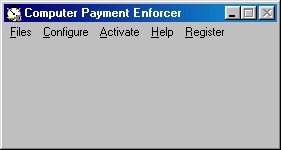
Do you sell or lease computers and have problems with customers not paying on time? Computer Payment Enforcer is a computer program that helps you to collect payments for computers that you have sold on credit or are renting out. You can install Computer Payment Enforcer on computers that you are about to sell. You can input information on when payments are due for the computer into Computer Payment Enforcer. Each day, Computer Payment Enforcer displays a small screen informing the customer of how many days are left until their next payment is due. If payment is not overdue, the customer can remove this screen, simply by clicking on the Ok button or pressing Enter on the keyboard. When a payment is due, instead of a small screen, Computer Payment Enforcer displays a large screen that totally blocks access to the computer. At this point, the screen will not be removed until the user inputs a code into a text box on the screen. You provide this code when the customer pays their bill.
Back to Computer Payment Enforcer Details page
- The Enforcer
- Network Enforcer
- Quota Enforcer
- Html Enforcer
- Policy Enforcer
- Network Password Enforcer
- Password Policy Enforcer
- Visual Basic Style Enforcer
- Payment Book Payment Template
- Progress Payment Mortgage Payment


