
!Quick Screen Recorder Screenshot
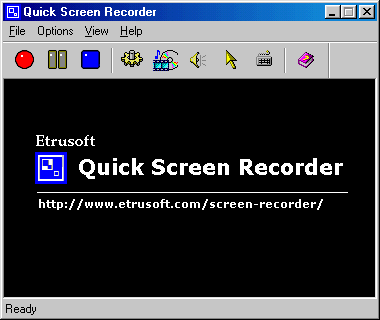
Quick Screen Recorder is a screen recording, video capture tool. It can record screen activity into normal AVI video files.
Quick Screen Recorder is a powerful video-recording software, allows you record the full screen, window or fixed-region to AVI files. It can Output to AVI file, You have the full control over the codec of the AVI file. You can choose the video compressor, and its compression quality. Supports DivX, XviD.
When you move the cursor, launch a new program, type some text,give a few clicks, or select some menus -- anything that you see on your screen -- Quick Screen Recorder will be capable of recording all of these and even can sound.
You can use Quick Screen Recorder to develop videos to demonstrate features of a new software, for creating movies used in user training, for tracking the progress of a program that executes for a long time, or for recording the sequence of steps that cause the occurrence of bugs in faulty software. You can also speak into the microphone while recording is in progress to include audio with the recorded video.
Back to !Quick Screen Recorder Details page
- Quick Screen Recorder
- Quick Screen Recorder Settings
- Quick Time Recorder
- Quick Recorder Microphone
- Quick Audio Recorder Mac
- Quick Screen
- Quick Screen Camcorder
- Quick Screen Shot
- Quick Screen Note
- Quick Screen Saver Movie


